
00:00Midnight
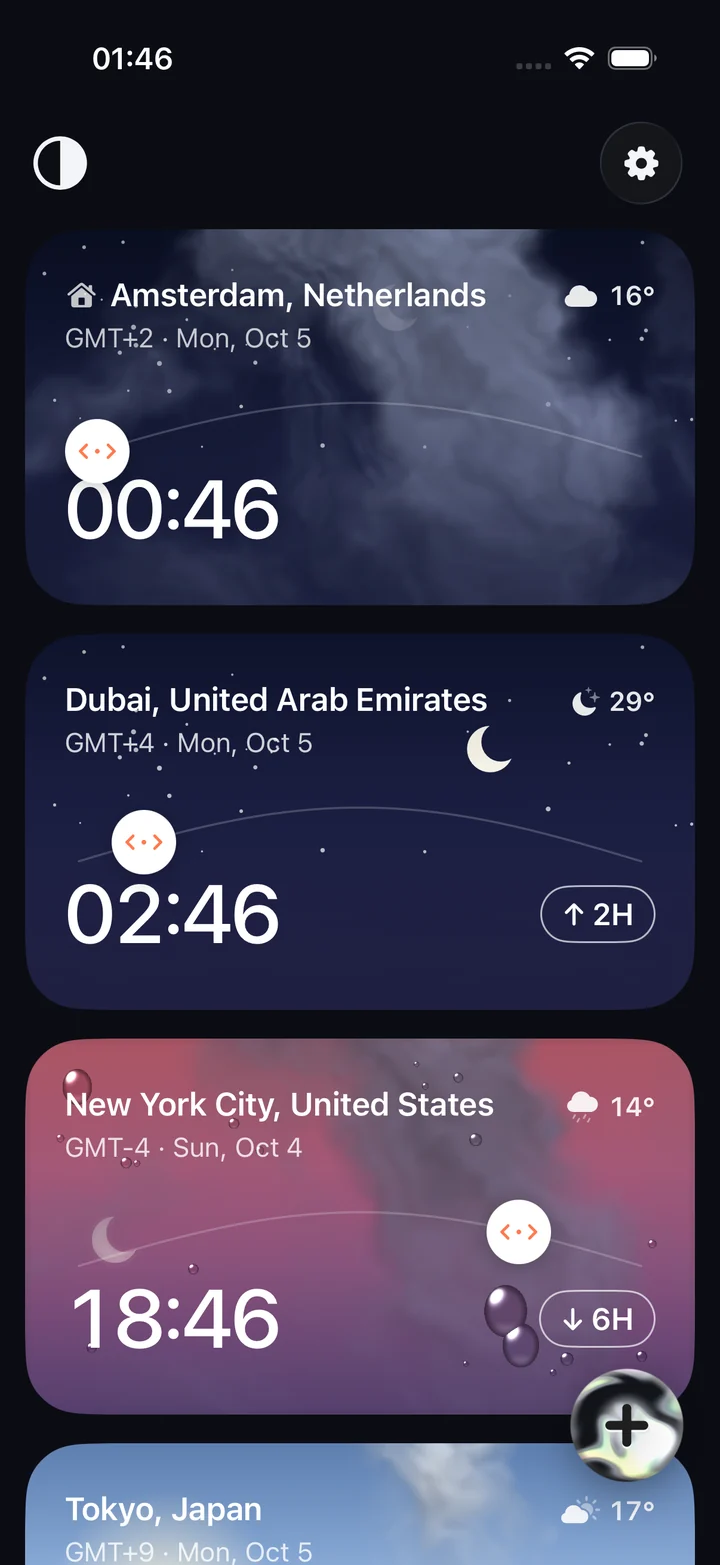
Slide through time.
- Remote teams
- Family abroad
- Clients overseas
- Frequent flyers
For anyone whose people live in other time zones — remote teams, families abroad, frequent flyers. No more counting hours on your fingers: slide to any moment and see what time it is for everyone.
12:00Noon
Weatherfor that hour.
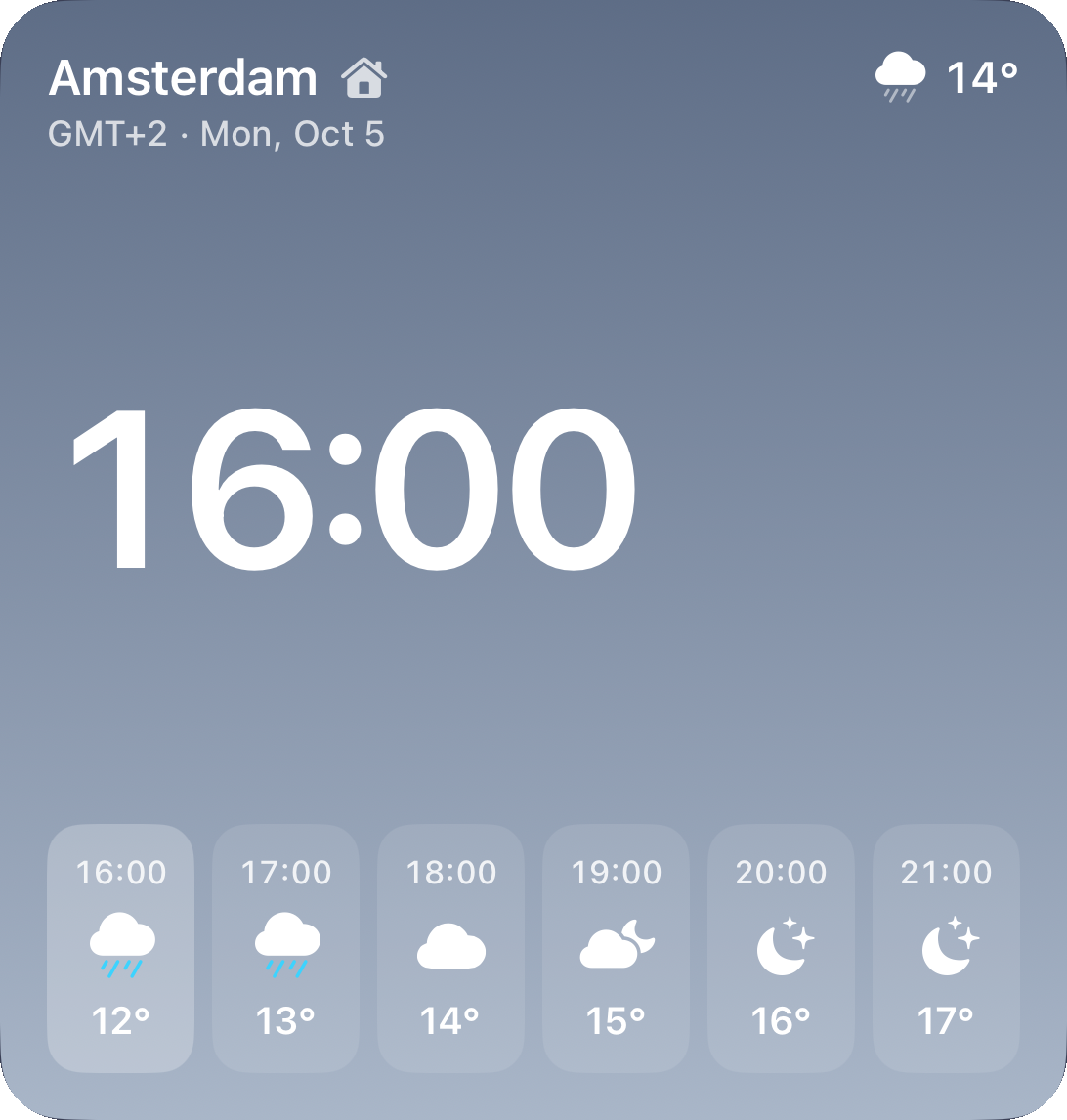
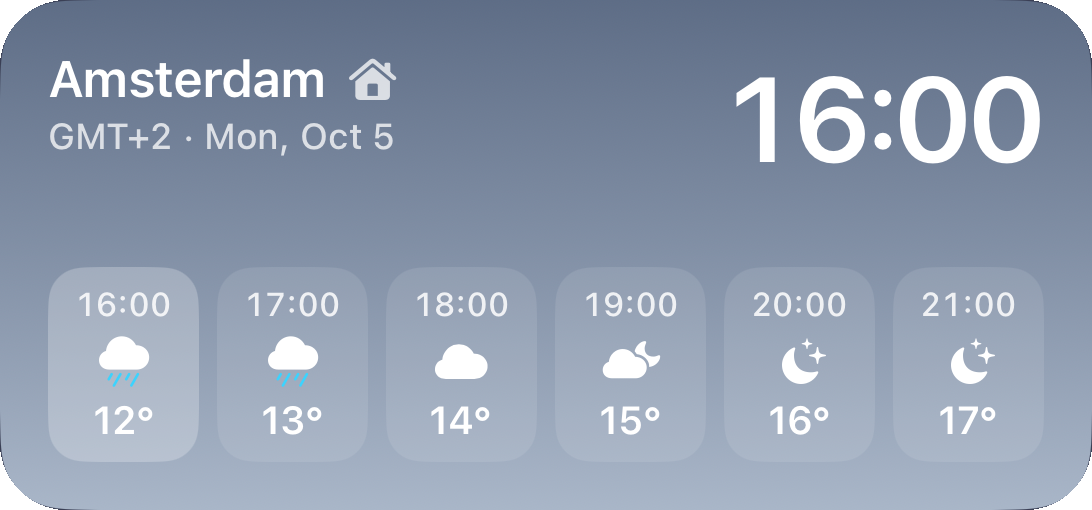
The forecast follows the slide: pick 16:00 in Amsterdam and the card shows that hour's rain. The Forecast widget puts the next six hours on your Home Screen.
15:00Afternoon
Five moods.Pick yours.
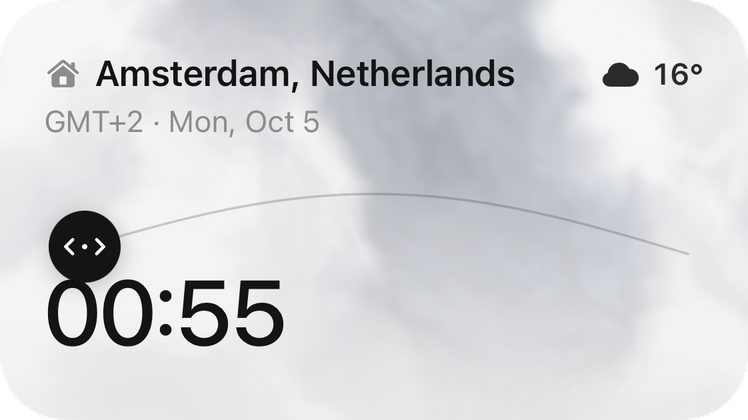
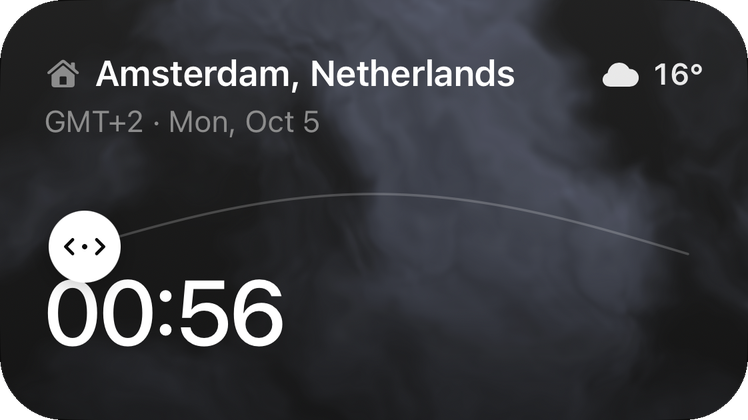
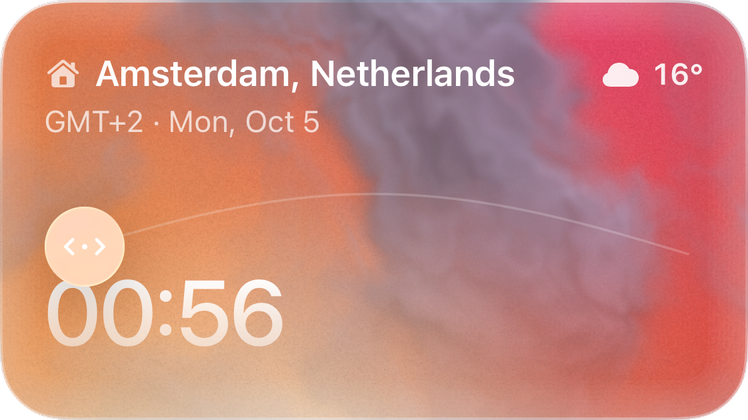
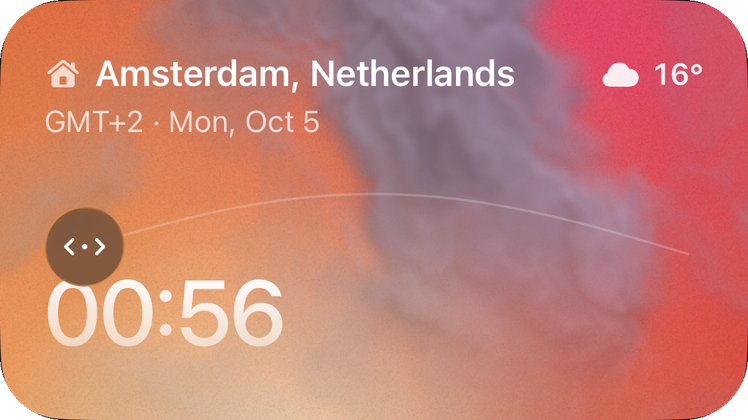
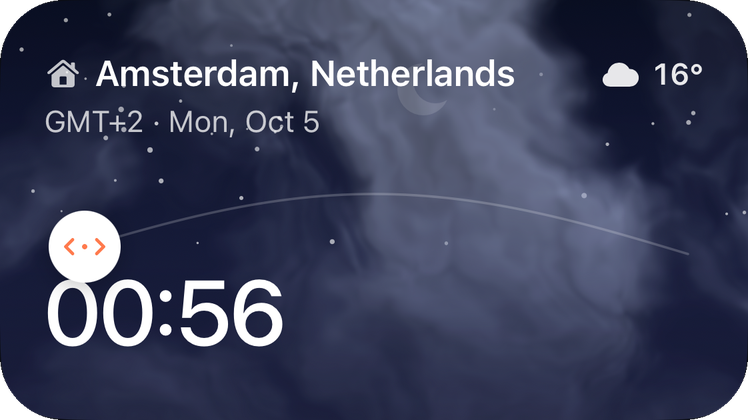
Dark and Light for every day, two Vivid gradients for colour, and Sky — where each card is the sky over its city right now. Widgets follow.
18:00Evening
On every screenyou own.
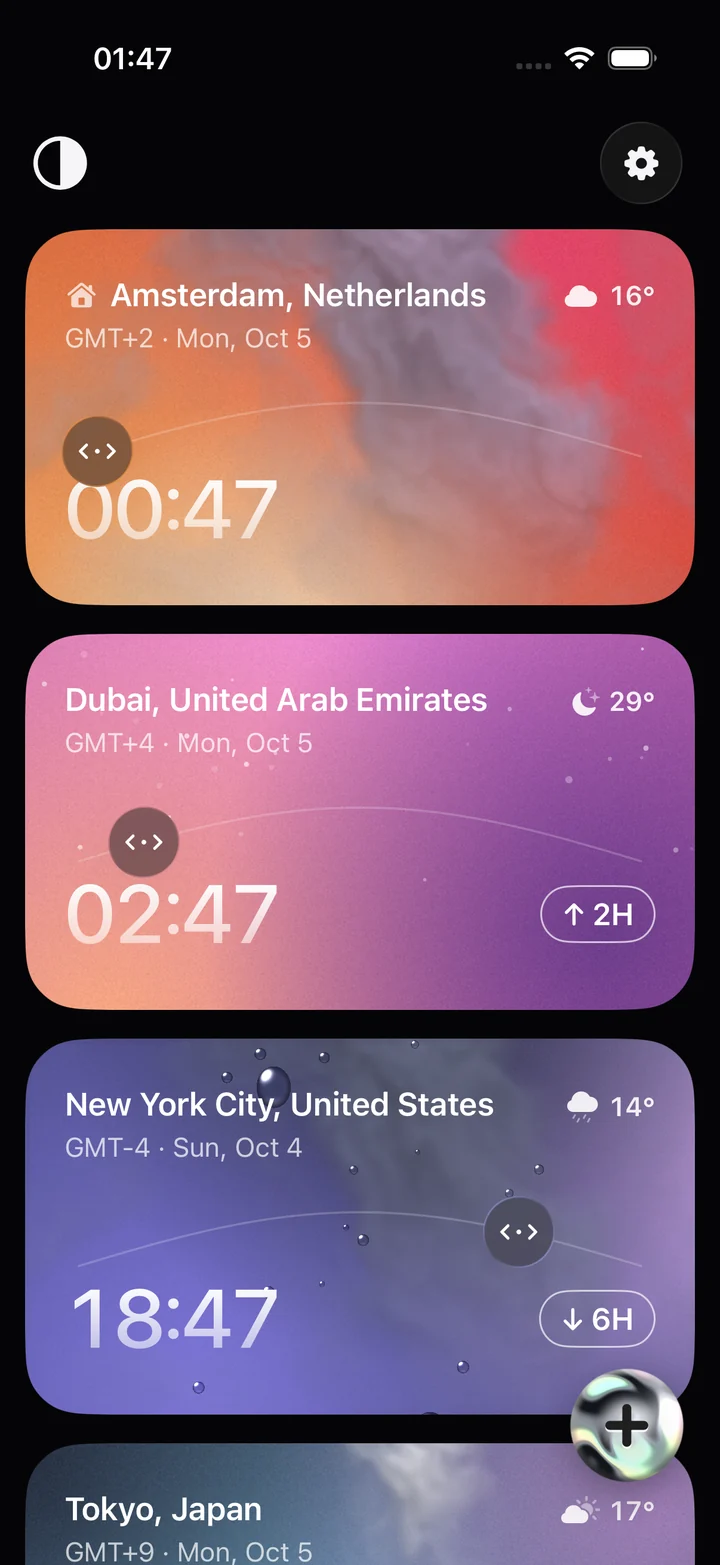
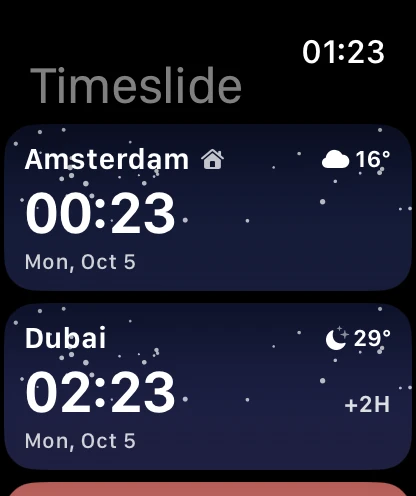
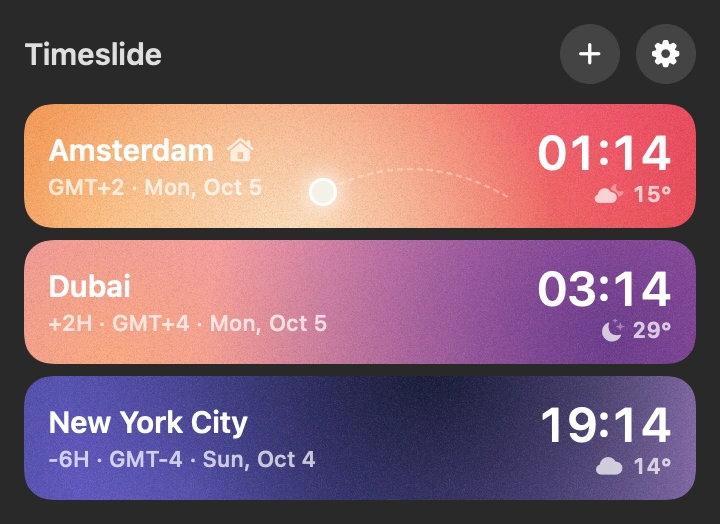

iCloud keeps iPhone, Apple Watch and Mac in step. A QR code moves your cities to Android or another Apple ID — no account, ever.
21:00Night
- 0ads
- 0accounts
- 0trackers
- 70 000cities to choose from
- 8languages
Three cities free, for good. More with Pro — $9.99 a year or $19.99 for life.
23:00Late
Is Timeslide free?
Yes, for up to three cities — with every feature, no ads and no account. For a fourth city and beyond there is Timeslide Pro: $9.99 a year, or $19.99 once for life.
Which devices does it run on?
iPhone (iOS 26), Android, Apple Watch and Mac. On iPhone, Watch and Mac your cities sync through iCloud.
How do I move my cities to another phone?
Open Settings → Transfer to another device. Scan the QR code with the other phone's camera or send it the link — it works between iPhone and Android and across Apple IDs.
Where does the weather come from?
From Open-Meteo, an open forecast service. Timeslide sends only each city's coordinates, never anything about you.
Does it handle daylight saving time?
Yes. Every card uses the city's real time zone rules, so offsets and dates stay right when clocks change.
Can I name a card “Mum” or “Office”?
Yes. Rename any card; the real city name stays visible in small type so you never mix them up.
23:59Almost tomorrow
See youtomorrow.
Timeslide is coming to the App Store and Google Play. Write to us to join the beta.